The addition of QR codes in Briq makes it possible for external parties to work with QR codes originating from Briq. In the Email settings in Briq.app, you can add handlebars in the 'Custom text confirmation e-mail' field to add customized pieces of information to the email confirmation.
When you add the keyword "embedQR" plus the handlebar in the 'Custom text confirmation e-mail' section, Briq will replace the handlebars with the correct value when the confirmation email is sent and generate QR code from it. This opens the possibilities to automate or sync other processes afterwards.
Example Use case:
- Merchant adds QR Code generator In Briq.app, under 'Custom text confirmation e-mail' section.
- For example a QR Code can be added for Booking number or key like {{{embedQR Booking.Number}}}
- A Visitor comes to the venue and shows the QR code.
- Scanning the code provides the Booking number/key
- Public API call is being made to take the information about the Booking
- Following scenarios: Booking is Checked In, Activity starts, gates are opening etc...
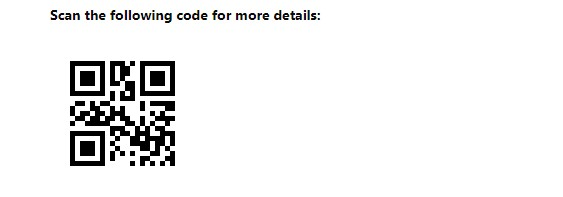
This is example image of the confirmation email received after completing a booking. It's a simple usage of the QR code generator but with scanning it, the Booking number will be shown.
Was this article helpful?
That’s Great!
Thank you for your feedback
Sorry! We couldn't be helpful
Thank you for your feedback
Feedback sent
We appreciate your effort and will try to fix the article